One command.
Total clarity.
Dependency Radar is a free, open-source CLI tool that inspects your JavaScript and TypeScript dependencies and generates a single self-contained report.
Run it in the root of your project:
npx dependency-radarNo accounts. No uploads. Nothing leaves your machine.
Registry-backed checks contact your configured registry unless you run with --offline.
Why it exists
Built for reviewable dependency evidence
My company needed a licence audit as part of an acquisition process. Existing tools were awkward on modern JavaScript repos and did not give the kind of reviewable, explainable output I wanted. Dependency Radar started as the tool I wished I had then.
One of the useful findings was declared-vs-inferred licence mismatch: package metadata can say one thing while shipped licence files suggest something else. Dependency Radar brings that evidence into the report so a human can review it.
Capabilities
Everything you need to know about your dependencies
Dependency Radar maps, validates, and reports on the security, legal compliance, and maintainer risk profile of all installed packages in your node_modules directory.
Dependency Graph Context
Map direct, transitive, dev, runtime, and workspace relationships to understand your project structure.
Licence Reviews
Spot declared-vs-inferred mismatches, invalid SPDX metadata, and licensing compliance issues.
Learn more →Security Reviews
Combine package-manager audits with script execution, native bindings, and supply-chain cues.
Learn more →CI Change Gates
Block pull requests and builds when new risky dependency traits or policy violations appear.
Learn more →Interactive HTML Reports
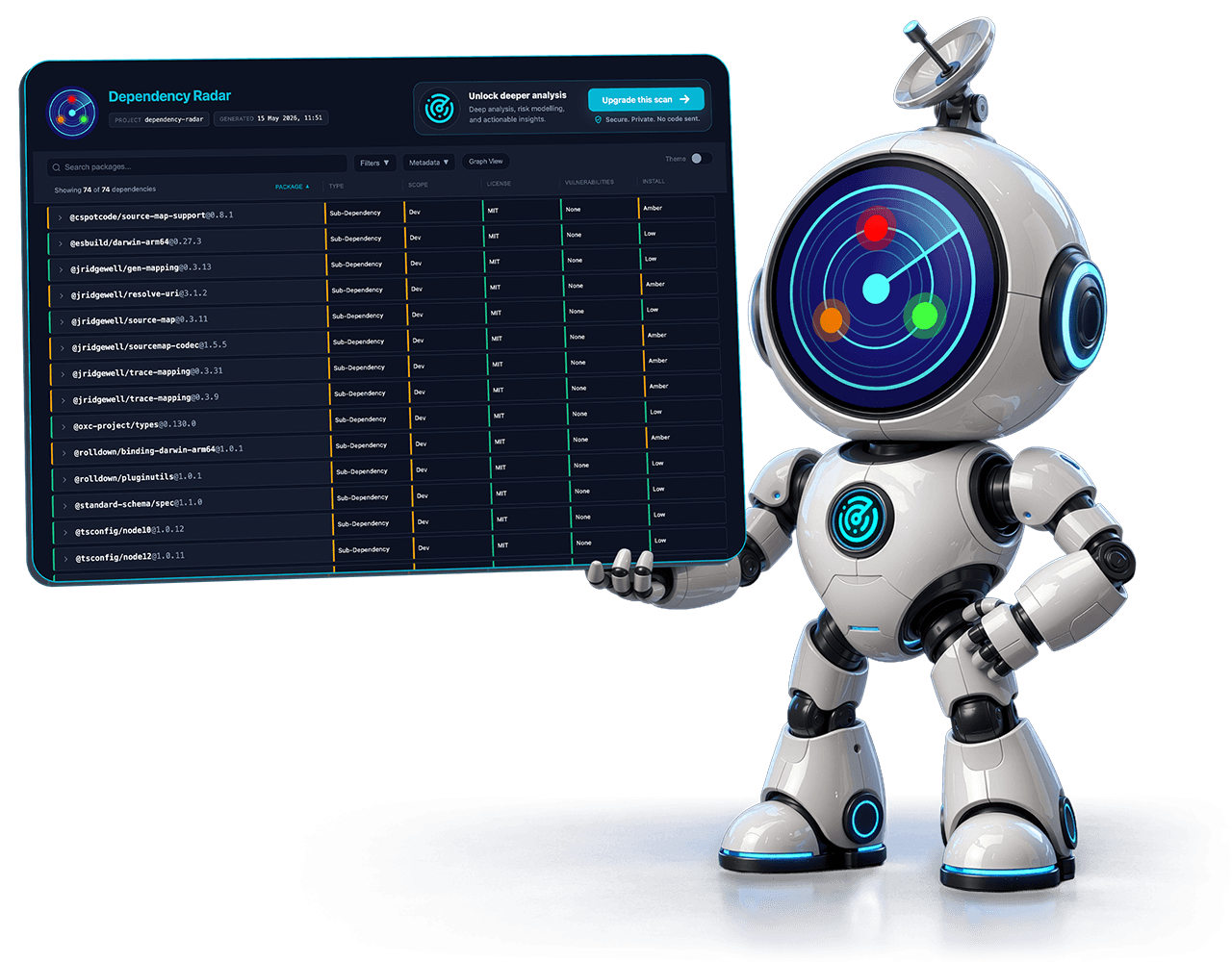
Search, filter, and drill into dependency details using a self-contained, shareable HTML report.
SBOM & Integrations
Generate JSON, SARIF, CycloneDX, and SPDX outputs for compliance and security automation.
Interactive reports
Visualise the results
The generated report is the main artifact. It is a self-contained HTML file you can open locally, attach to a ticket, email to stakeholders, or share with your team.
Open the interactive example report →CLI trust
Cautious about running a new npx command?
That is the right instinct. Dependency Radar is designed so the free CLI can be evaluated locally before you choose to upload anything.
npx dependency-radar --offline- The CLI has no runtime npm dependencies.
- Scans run entirely on your machine, against local project files.
- It does not modify package.json, lockfiles, or installed packages.
- No code or generated reports are uploaded during normal CLI usage.
- Audit and outdated checks query your configured registry by default.
- Use --offline for air-gapped, registry-free inspection.
Security work is public: OpenSSF Best Practices passing, OpenSSF Scorecard 7.4/10, CI tested, CodeQL scanned, and a SECURITY.md with private vulnerability reporting.
Get started
Run Dependency Radar in your project, view the example report first, or start with an offline scan if you want no registry calls.
npx dependency-radar